Compare
Mingle vs the alternatives
Honest, detailed comparisons — we tell you when a competitor is the better choice.
- Unbiased & Honest
- Side-by-Side Analysis
- Real-World Use Cases
- Updated Regularly
You (English)
Can we schedule the meeting for tomorrow morning?
Them (中文)
我们可以把会议安排在明天上午吗?

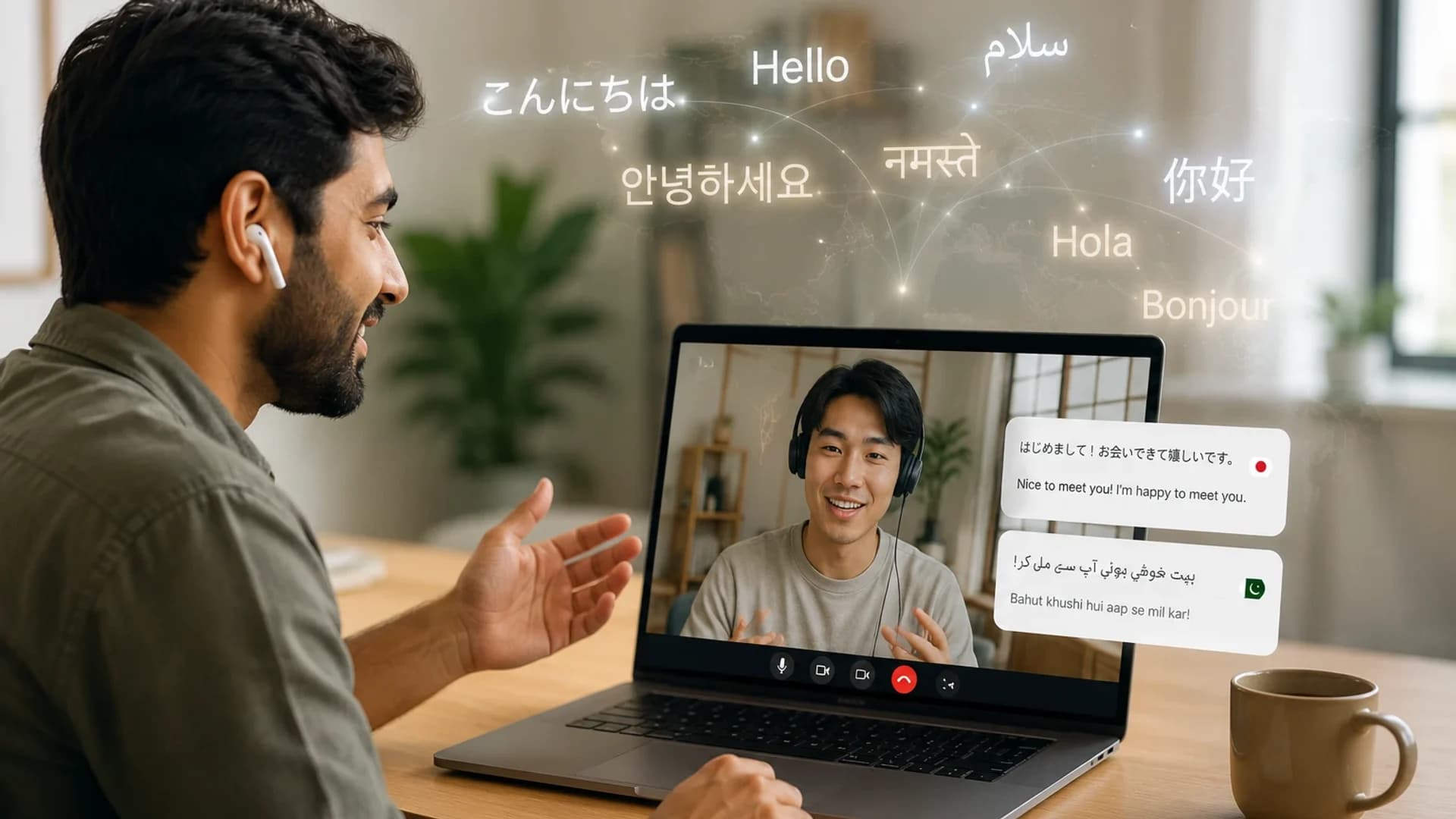
Real-time voice translation in the browser. Share a session by QR code and the other person joins on their own phone in their own language, so you both speak freely. Plus Mingle Meet rooms for calls.
Why it stands out
- Two-way by QR code, phone to phone
- Live captions + voice output
- No app or account for the other person
- Multilingual meeting rooms
Best for
Face-to-face conversations, travel, business meetings, customer calls, and family situations.
Live Translation built into recent iPhones and AirPods, and into Messages, FaceTime and Phone. Private, on-device and free with iOS 26, but tied to specific Apple hardware.
Why it's limited
- Needs an iPhone 15 Pro or newer and supported AirPods
- Nine languages, with no Arabic, Urdu or Hindi yet
- Works best when both people have matching Apple hardware
- Pauses every two minutes for privacy
Best for
Owners of an iPhone 15 Pro or newer who talk in one of its nine languages.
Free conversation mode in the Google Translate app. It detects who is speaking, reads translations aloud and has a split-screen face-to-face view.
Why it falls short
- Needs the Google Translate app installed
- Built for two people around one phone
- No multilingual meeting rooms
- Features vary by device and region
Best for
Quick conversations on a phone that already has the app.
Browser-based live translation for events, webinars and streams, with a two-way mode, AI voices and 125+ languages.
Why it's not ideal
- Built around events and streaming
- No hosted multilingual meeting room described
- Paid plan prices not listed on its live page
- Extras like OBS and vMix suit production, not quick chats
Best for
Events, webinars, conferences and large audiences.
Dedicated translator earbuds, such as Timekettle's, built for hands-free conversation, with offline language packs on some models.
Why it may not fit
- Cost $129–$449 (Timekettle list prices)
- Need charging, pairing and a companion app
- Fewer languages: 43 to 52 on Timekettle models
- Touch mode means the other person wears an earbud
Best for
Frequent travellers who need hands-free or offline translation.
Live speech translation through apps for phones and desktops, a Chrome extension and a meeting bot, with a Speech Mode that reads translations aloud.
Why it's not for everyone
- Built around installed apps and audio capture
- Joins existing meetings rather than hosting its own
- Paid plan prices not listed on its homepage
Best for
Translating audio on your own devices, or inside Zoom, Teams and Meet calls.
Mingle vs Alternatives — At a Glance
| Tool | Two-Way Live Translation | Live Captions for Both | Voice Output Both Sides | No App Required | Works on Any Device | Best For |
|---|---|---|---|---|---|---|
| Mingle | Real conversations, any situation | |||||
| Apple Live Translation | iPhone 15 Pro + AirPods owners | |||||
| Google Conversation Mode | Quick & casual chats | |||||
| Maestra Live | Events & webinars | |||||
| Translator Earbuds | Hands-free & offline use | |||||
| Whisperr | Device audio & existing calls |
Mingle's two-way conversation uses Share session: the other person scans a QR code and follows on their own phone in their own language. On a single phone, a session translates one direction and you swap the languages to reply. In Mingle Meet, every participant reads their own language. A dash means the vendor does not say.
Why Mingle is built for real conversations
Most tools were built for either text translation, phone calls, or large audiences. Mingle was built for real people talking to each other.
It shows live captions you can read comfortably and speaks the translation aloud, in a browser, with nothing to install. Share the session by QR code and the other person joins on their own phone.
Natural & Human
Feels like talking to a person, not a machine.
Private & Secure
Encrypted in transit, and we never sell your data.
Always Accessible
No apps, no downloads — just open and talk.
Try Mingle Free
Start talking in English, get captions in Chinese — and hear the reply back.
You (English)
Them (中文)
我们明天上午10点见。
No card. No install. Just start.
