Compare
Mingle vs DeepL Voice
DeepL Voice is business software, sold per user, that brings translation into Microsoft Teams, Zoom and Google Meet calls; Mingle is a browser link anyone can open. Where the conversation happens and who needs a licence are the real differences.
- Unbiased & Honest
- Side-by-Side Analysis
- Real-World Use Cases
- Updated Regularly
Choose DeepL Voice if…
- Your meetings have to stay in Microsoft Teams, Zoom or Google Meet. DeepL Voice sends a bot into the call you already have, and participants read translated captions without a DeepL account. Mingle is its own meeting room and does not join those calls.
- Your organization needs formal assurances. DeepL states GDPR, HIPAA, ISO 27001 and SOC 2 compliance for Voice, says it does not train on Voice data, and deletes meeting data from memory when the call ends. Mingle is not HIPAA compliant.
- You want translated speech that keeps the speaker's voice, tone and pace in Teams, Zoom and Meet. DeepL launched this voice preservation in September 2026, and it cites an independent assessment by Slator that ranked its AI-translated captions first.
Choose Mingle if…
- You want to start without a subscription. Mingle's guest sessions are free with no account or card, and paid plans start at $4 a month. DeepL Voice has no free plan: Voice Starter is $11 per user a month billed yearly, after a 14-day trial.
- The other person should just talk. Mingle keeps listening once you tap the microphone, and the other person can follow on their own phone by scanning a QR code, with no account. In DeepL's group conversations each person wears a headset and presses and holds a button to speak.
- You speak Arabic, Hindi, Tagalog, Thai or Vietnamese. DeepL Voice transcribes these through a third-party provider that a team admin must switch on, and the speaker has to pick the language by hand. Mingle supports them like any of its 60+ languages.
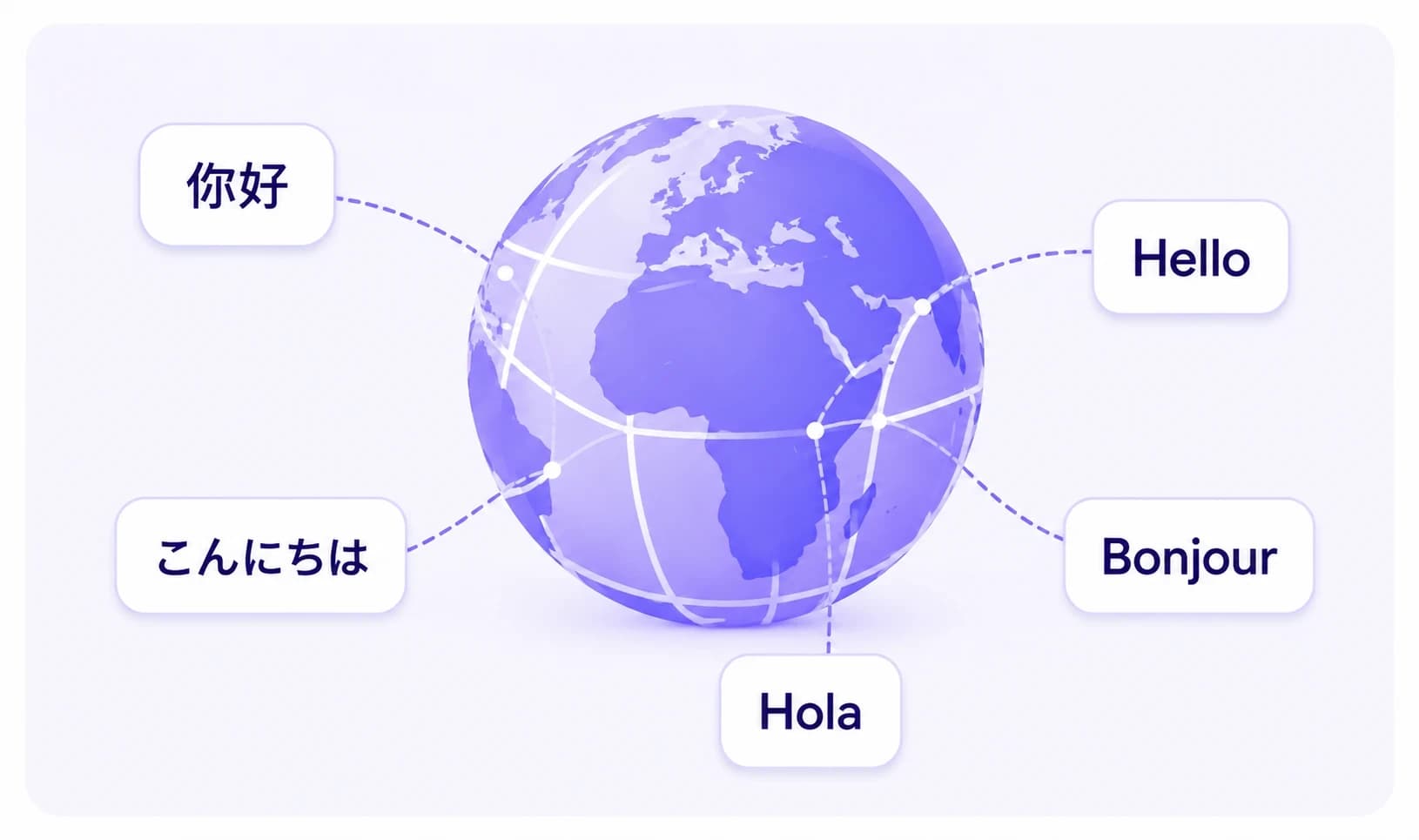
Inside your meeting platform, or a room of its own
DeepL Voice for Online Meetings works inside the call you already have. You paste the meeting's invitation link into DeepL, a DeepL bot joins the Teams, Zoom or Google Meet call, and it posts a link in the meeting chat where participants pick the language they read. Captions need one licence, held by the person who connects the meeting; everyone else reads them with no DeepL account. Hearing translated speech is different: each listener needs their own Voice licence and the DeepL Voice desktop app. Your organization must also let external participants join and keep the chat on, because that is how the bot gets in. Mingle does not join those calls. It runs its own meeting room that people join by link, where each participant reads captions and hears the translation in the language they chose, with nothing to install. If the call has to stay on Teams, Zoom or Meet, DeepL Voice or the platform's own translation is the better fit.
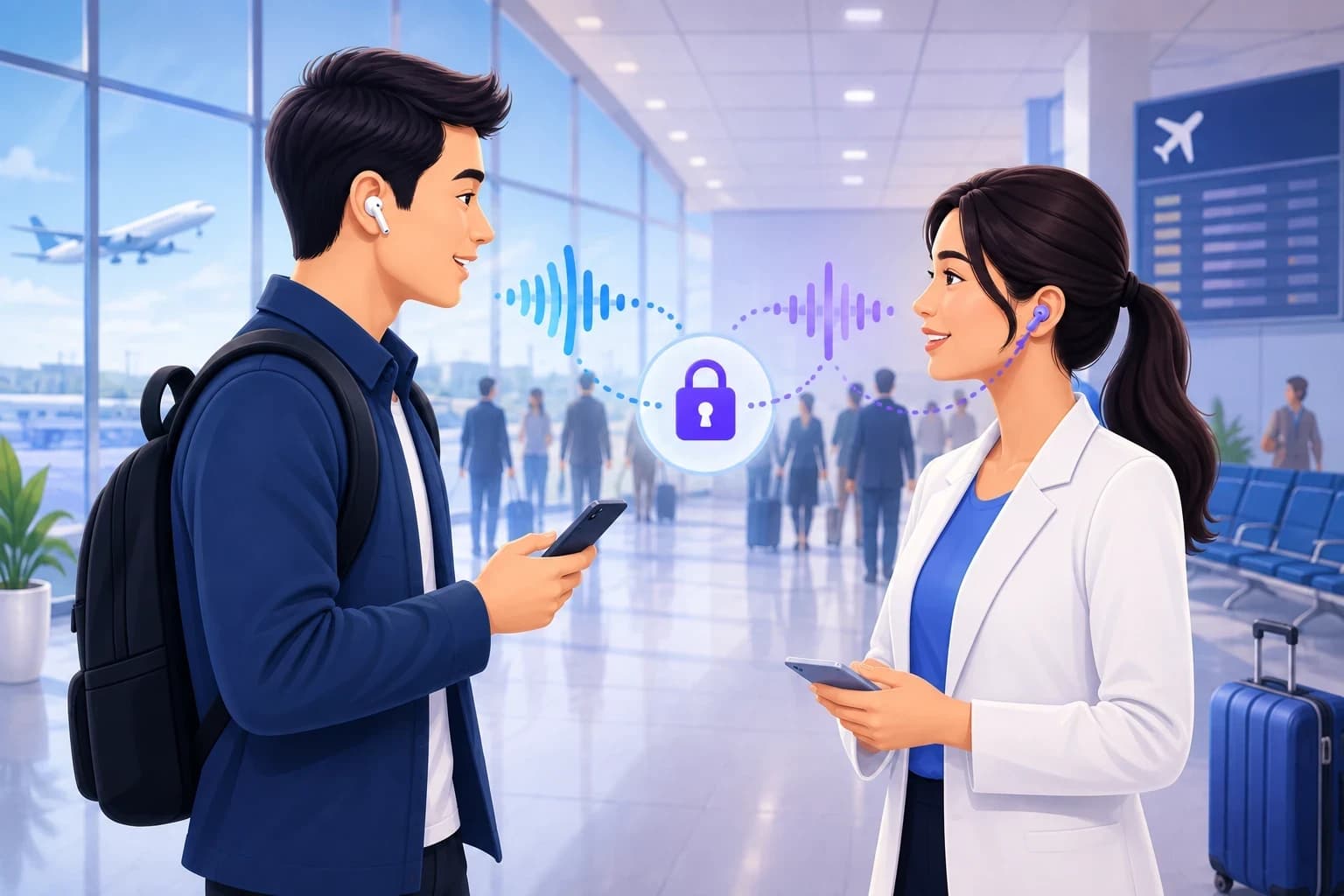
Face to face: one screen, headsets or your own phone
For in-person talks, DeepL Voice for Conversations runs on one device in the DeepL app or on the web, signed in to a DeepL account with a Voice plan. You tap the microphone next to the language being spoken, or turn on automatic speaker detection in the mobile apps, and the device reads the translation aloud. For groups, the host shares a link or QR code; guests join with no licence or app, each wearing a headset, and press and hold a button to speak. Voice Starter allows 11 people in total and Voice Business 31. With Mingle, you tap the microphone once and it keeps listening until you stop it. On a single phone, a session translates one direction and you swap the languages to reply; if you share the session, the other person scans a QR code and follows on their own phone in their own language, with no account.
Price, seats and what is free
DeepL Voice is sold per user. On DeepL's US pricing page, Voice Starter costs $11 per user a month billed yearly, with 300 translation minutes per user and a 14-day free trial; Voice Business costs $32 per user a month billed yearly, with 600 minutes per user pooled across the team, plus single sign-on and admin controls. Teams of more than 50 get custom pricing. There is no free Voice plan. Mingle starts free: guest sessions need no account or card, and paid plans, from $4 a month, are billed by translation minutes. For one person talking with a few people now and then, that difference matters more than any feature.
Languages: check the one you need
DeepL Voice transcribes 18 spoken languages with its own models, including English, Spanish, French, German, Japanese, Korean, Chinese (Mandarin) and Turkish. Another 25, including Arabic, Hindi, Tagalog, Thai, Vietnamese and Bengali, go through a third-party provider, Speechmatics: a team admin must allow third-party processing, and these languages do not work with automatic language detection, so the speaker picks the language by hand. Translated captions cover more than 40 languages, Arabic and Hindi included. Translated speech in Arabic, Hindi and several others comes from another third-party provider, without matching the speaker's voice. Mingle states 60+ languages for live speech translation. Whichever you choose, check your exact language on the vendor's list before you rely on it.
What we have not measured
We have not tested DeepL Voice and Mingle side by side, so this page makes no claim that either one is more accurate or faster. DeepL cites an independent assessment by Slator that ranked its translated captions first; we have not run our own test. Accuracy depends on the language pair, the microphone and the noise around you. The fairest test is yours: try the language you need, in the kind of conversation you will have, and listen for names, numbers and dates.
Mingle vs DeepL Voice — Feature Comparison
| Feature | Mingle | DeepL Voice |
|---|---|---|
| Where translation happens | Mingle's own meeting room, and face to face in the browser | Inside Teams, Zoom and Google Meet calls, and face to face in the DeepL app or on the web |
| Joins an existing Teams, Zoom or Meet call | No | Yes, a DeepL bot joins the call |
| Translated captions | Yes, each person in their own language | Yes; meeting participants need no DeepL account |
| Spoken translation | Yes, read aloud in the browser | Yes; in meetings each listener needs a licence and the desktop app |
| Free plan | Free guest sessions, no account or card | No; a 14-day trial of Voice Starter |
| Price | Paid plans from $4 a month, billed by translation minutes | $11 (Starter, 300 minutes) or $32 (Business, 600 minutes) per user a month, billed yearly |
| Spoken languages | 60+ | 43, of which 25 go through a third-party provider an admin must enable |
| Arabic and Hindi speech | Supported | Third-party provider, admin opt-in, language picked by hand |
| Several people in one room | Others join your session by QR code on their own phones | Guests join by link or QR code with a headset, press and hold to speak; 11 people on Starter, 31 on Business |
| Compliance stated | Not HIPAA compliant | GDPR, HIPAA, ISO 27001, SOC 2 |
Sources
Facts about DeepL Voice were last checked against the sources below on 15 October 2026. Products change; if something here is out of date, tell us.
- DeepL — Pricing: Voice plans (Voice Starter, Voice Business; US prices billed yearly, minutes, trial, compliance)
- DeepL Help Center — About DeepL Voice for Online Meetings (bot, requirements, 300 participants, data handling)
- DeepL Help Center — Who needs a DeepL Voice license?
- DeepL Help Center — Translate 1-1 conversations
- DeepL Help Center — About group conversations (headsets, press and hold, participant limits)
- DeepL Help Center — DeepL Voice languages (DeepL models and third-party providers)
- DeepL — Press release, 15 September 2026: voice preservation, desktop app, voice to voice generally available
FAQ
Frequently Asked Questions
Everything you need to know about Mingle vs DeepL Voice.
Is DeepL Voice free?
No. DeepL Voice has no free plan. Voice Starter costs $11 per user a month billed yearly, with 300 minutes per user, and comes with a 14-day free trial; Voice Business costs $32 per user a month billed yearly, with 600 minutes pooled across the team. Mingle's guest sessions are free to try, with no account or card.
Does DeepL Voice work with Zoom and Google Meet?
Yes. DeepL Voice works with Microsoft Teams, Zoom Meetings and Google Meet. You paste the meeting link into DeepL and a DeepL bot joins the call, so your organization must allow external participants and keep the chat on. Participants read captions without a DeepL account. Mingle does not join those calls; it runs its own meeting room instead.
Does DeepL Voice speak the translation out loud?
Yes. Voice to voice translation became generally available in September 2026. In online meetings, everyone who wants to hear translated speech needs their own Voice licence and the DeepL Voice desktop app. In one-to-one conversations, the device's text-to-speech reads the translation aloud. Mingle reads translations aloud in the browser, with nothing to install.
Can DeepL Voice translate spoken Arabic or Hindi?
Yes, through a third-party provider, Speechmatics. A team admin has to allow third-party processing first, and the speaker picks the language by hand, because these languages do not work with automatic detection. Translated speech in Arabic and Hindi comes from another provider and does not match the speaker's voice.
Does the other person need DeepL to take part?
Not to read captions in a meeting, and not to join a group conversation, which opens in a web page from a link or QR code. The person who connects the meeting or starts the conversation needs a paid DeepL Voice licence, and so does anyone who wants to hear translated speech in a meeting. With Mingle, the person you share a session with needs no account.
Does Mingle work on Android?
Yes — Mingle runs in any modern browser on Android, iOS, and desktop. No app download required for either person.
Is Mingle free to try?
Yes — open a guest session instantly in your browser with no card and no install. Guest sessions are short, enough to try it out; signing in (free) saves your history, and paid plans add longer sessions.
Try Mingle free — no card, no install
Open a session in your browser right now.