速い。プライベート。正確。
EnglishからTagalogへのライブ翻訳を、話すそばから
Tagalog (Filipino in national settings) blends Austronesian grammar with English loanwords so fast that textbook phrases feel stale by the time you reach the front of the line. Mingle converts your spoken English into live Tagalog captions and natural voice output. That session handles your side only; a tap on swap ends it and opens a Tagalog-to-English session for their reply. One browser tab, no download for either person.
- プライベートで安全
- どこでも使える
- アプリ不要
あなた(English)
Hello
相手(Tagalog)
Kumusta
ゲストとして無料でお試しいただけます。カード登録もインストールも不要です。ログインすると、無料プランでセッションを最大10回ご利用いただけます。
リアルタイム翻訳
話したそばから瞬時に字幕表示。
自然な音声出力
読み上げ機能でTagalogを自然な音声で聞けます。
プライベートで安全
会話は暗号化され、プライベートに保たれます。
どこでも使える
ブラウザだけで動作 — アプリのインストールは不要。
実際の会話にぴったり
- The barangay document window
- The provincial reunion kitchen
- The hospital triage line

Manila jeepney stops, provincial family reunions, and OFW remittance windows all run on warmth, respect markers like po and opo, and code-switching locals call Taglish. Open mingle.fit, tap the mic, and speak English normally; your counterpart hears Tagalog, and swapping the languages lets you read their replies in English before you answer.
このページはEnglish→Tagalogに特化した内容です
This guide covers English → Tagalog: the direction English-speaking visitors, employers, and family members use when Filipino is the language of the barangay hall, the hospital triage desk, or the kitchen table.
見やすい字幕
話したそばから、正確で読みやすいTagalogの字幕を表示します。
会話のスピードに対応
自然な実際の会話スピードにもついていけます。
読み上げ対応
必要なときはTagalogを自然な音声で聞けます。
3ステップで始める
- 1
2つの言語を選ぶ
言語はすでにEnglish→Tagalogに設定済み — いつでも入れ替えできます。
- 2
マイクをタップしてアクセスを許可
ブラウザの許可は1回だけ。開始にアカウントは不要です。
- 3
話すだけ
話した内容がそのままライブ字幕になり、読み上げをオンにすればイヤホンから自然な音声で流れます。スマホの画面は相手に向けたまま。双方向で話したいときは、セッションを相手のスマホと共有できます。
Tagalogならではのポイント
Taglish drops English nouns into Tagalog verb frames mid-sentence; formal settings still expect po when addressing elders or officials. Mingle streams recognition for conversational speed and shows Tagalog left-to-right in the caption pane with read-aloud for triage nurses and barkers who need to hear complete sentences while multitasking.
Anglophones should use captions for money and medical clarity: Tagalog replies may sound deferential while embedding conditions, and swapping to read the English gloss shows whether yes means agreement or polite acknowledgment. When speakers bounce between English and Tagalog within one breath, the captions help you track obligations.
フレーズ集
便利なフレーズ
すぐに声に出して使える、よく使うEnglish–Tagalogのフレーズ。
English
Hello
Tagalog
Kumusta
kum-OS-tah
English
How much is it?
Tagalog
Magkano?
mag-KA-no
English
Where is…?
Tagalog
Nasaan ang…?
na-SA-an ang
English
Many thanks
Tagalog
Maraming salamat
ma-RA-ming sa-LA-mat
English
One
Tagalog
Isa
i-SA
English
Two
Tagalog
Dalawa
da-LA-wa
English
Three
Tagalog
Tatlo
tat-LO
English
Can you repeat slowly?
Tagalog
Paki-ulit po nang dahan-dahan
pa-ki-u-LIT po nang da-HAN-da-HAN
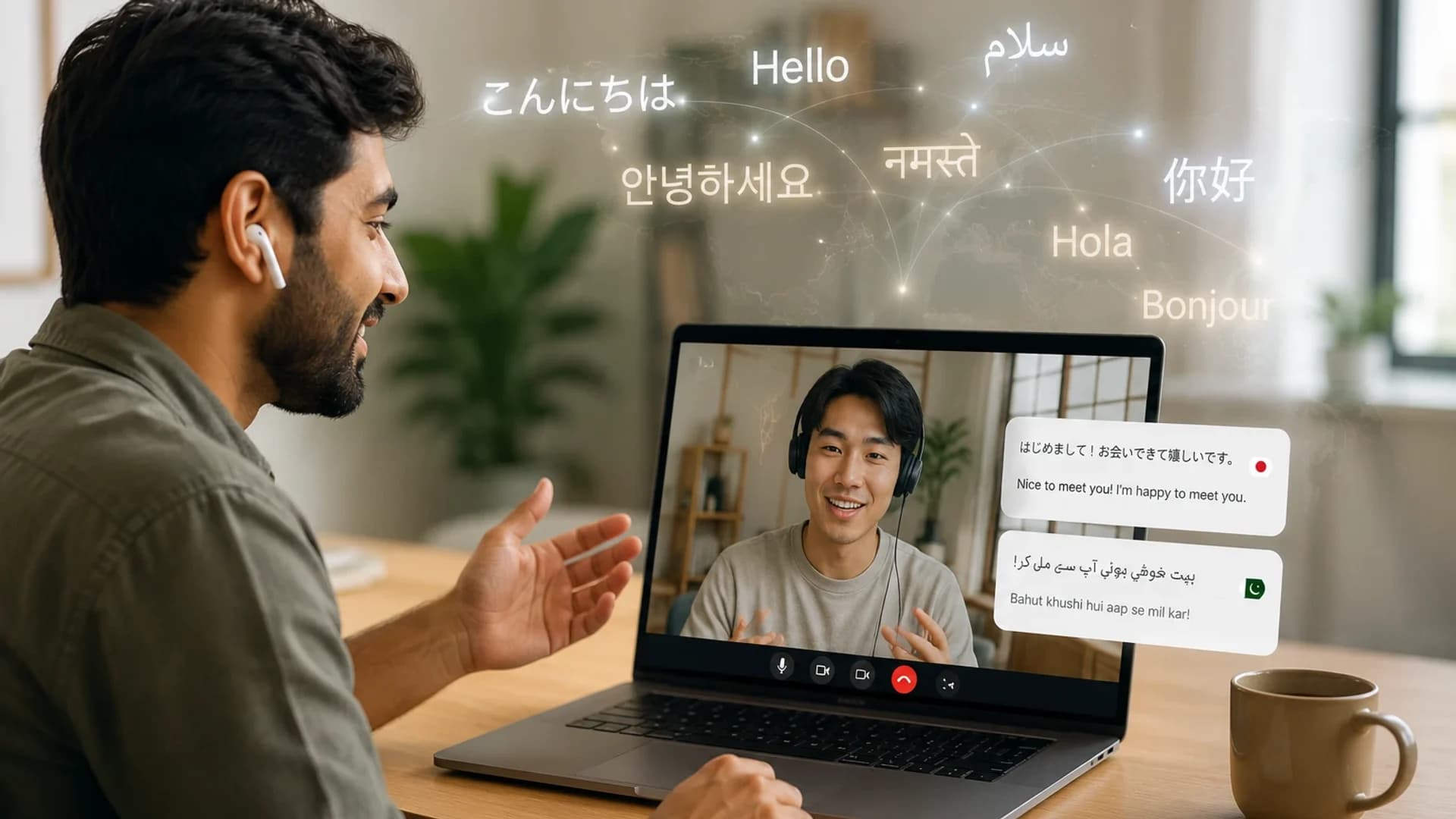
イヤホンで体験する瞬間 — 相手はスマホに話し、あなたは自分の言語で聞く
スマホをテーブルに置いて相手に向け、読み上げをオンにします。相手の声はスマホのマイクに入り、翻訳された音声はイヤホンから静かに再生されます。プライベートでハンズフリー、機器に向かって大声を出す必要はありません。
読み上げはスマホの通常の音声出力から再生されるため、スマホが使う有線・Bluetoothイヤホンならほとんどの場合そのまま使えます。スマホがイヤホン側のマイクに切り替わってしまう場合は、デバイス設定で内蔵マイクを選び、あなたではなく相手の声を拾うようにしてください。
相手にもあなたの声を届けたいですか?「セッションを共有」をタップしてQRコードを見せましょう。相手が自分のスマホで自分の言語に参加すれば、お互いに何も受け渡すことなく、相手の言葉を読んだり聞いたりできます。1台のスマホで使う場合は、セッションメニューから言語を入れ替えれば返答用に切り替えられます。
よくある質問
よくあるご質問
EnglishからTagalogへの翻訳について知っておきたいことをまとめました。
今すぐEnglish↔Tagalogのセッションを始めよう
